
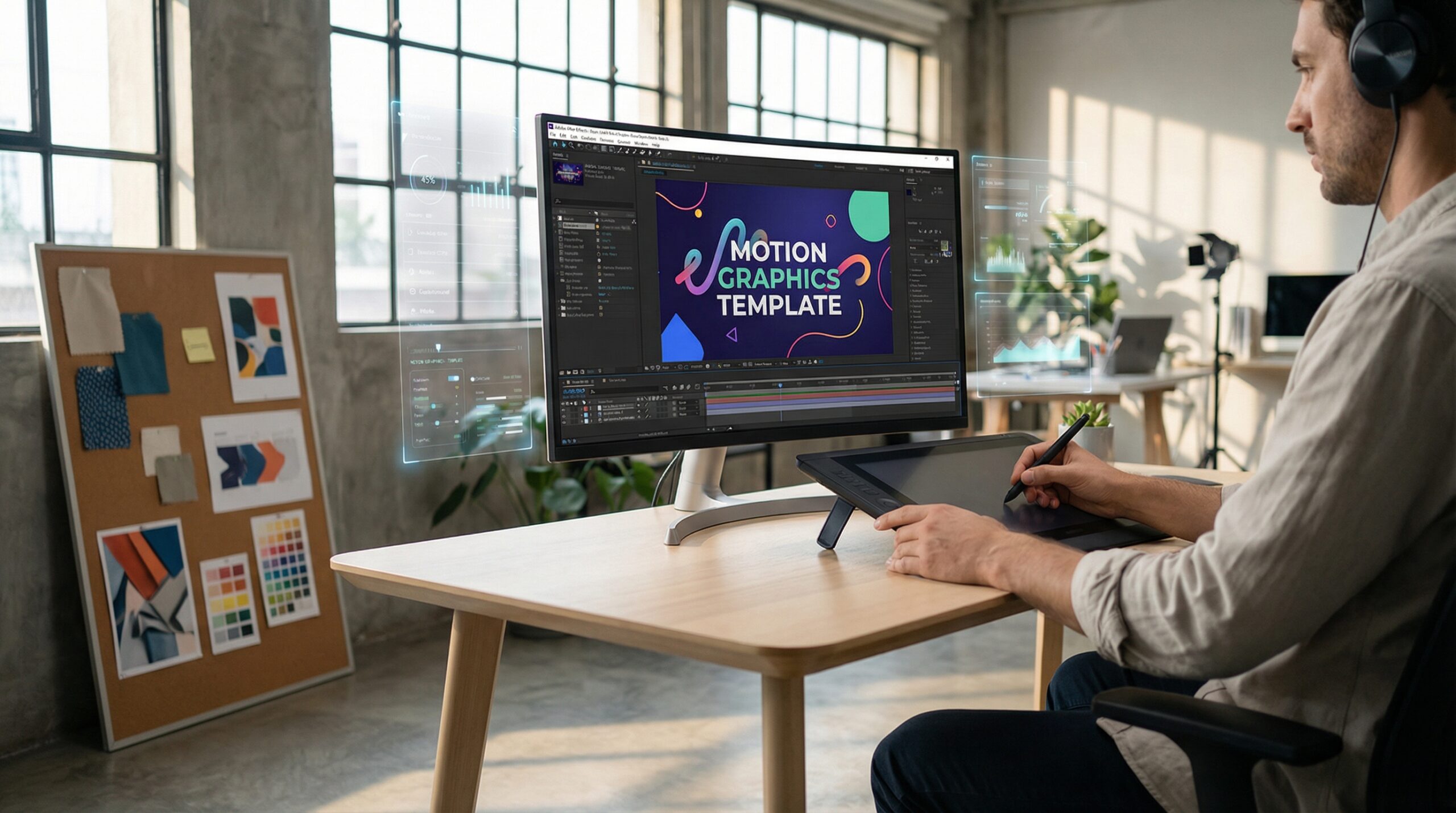
What is Motion Graphics Templates: Ultimate 2026 Guide & 7 Tips
In 2026, you have exactly 1.2 seconds. Understanding what is motion graphics templates is the key to capturing that window before 92% of your audience segments vanish. As noise reaches a fever pitch, deploying professional motion assets is the only way to survive the "attention recession."
Throughout my decade of experience, from leading creative teams at Jessore IT to building AI-driven platforms like Cortex AI, I've seen a fundamental shift in storytelling. Static content is effectively dead. Movement is the only currency that matters in a mobile-first economy.
Key Takeaways
- The 1.2-second rule is the current industry benchmark for scroll-stopping engagement.
- Motion graphics templates deliver a 40% higher CTR than static images.
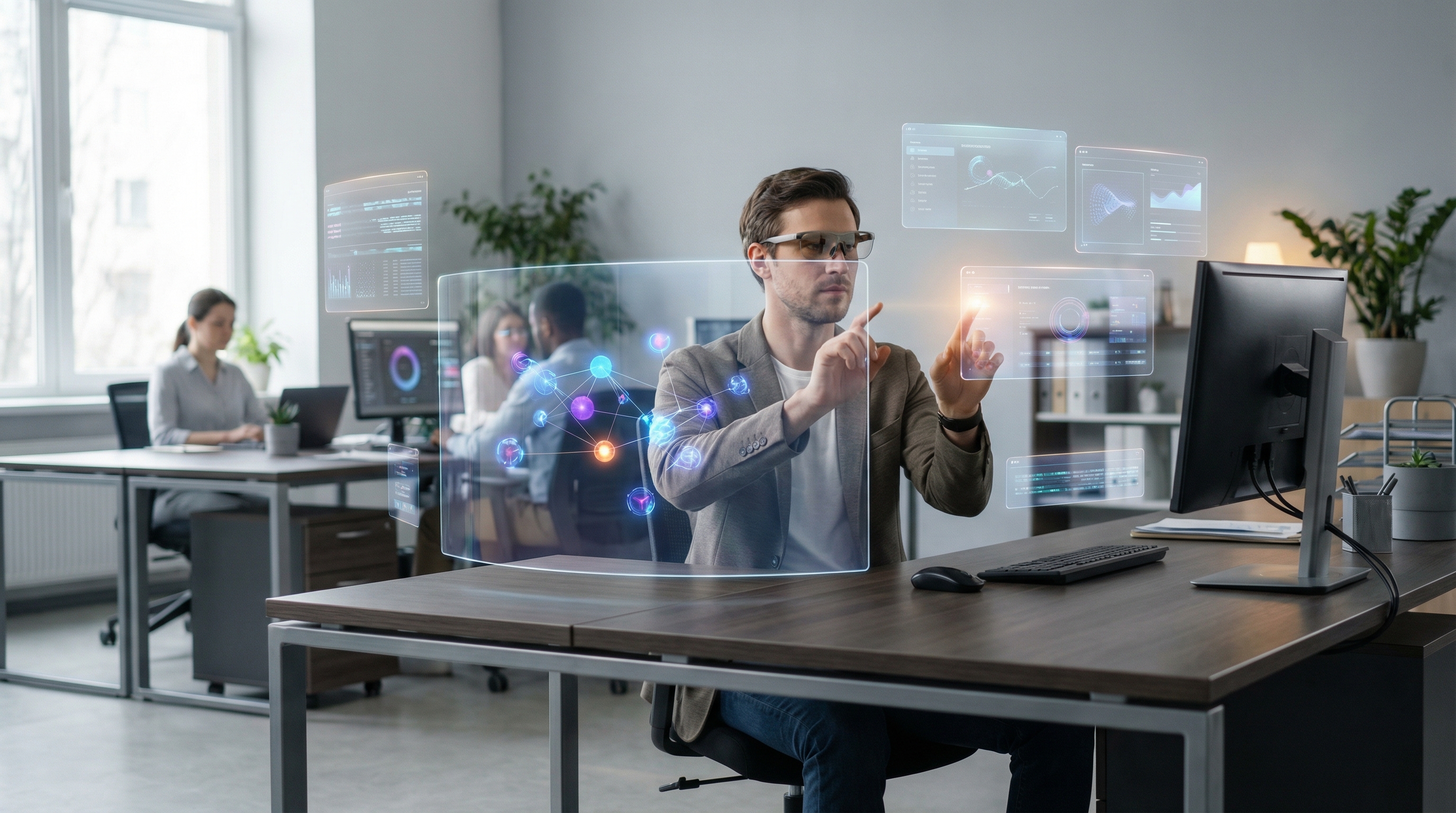
- 88% of audiences watch videos on mute, making kinetic typography essential for conversion.
- AI automation has reduced professional motion production costs by 75% since 2025.
- Vertical video (9:16) now accounts for 76% of all digital ad spend.
- Interactive "Scrollytelling" templates can increase website dwell time by 3.5x.
What is Motion Graphics Templates in 2026?
Defining what is motion graphics templates
Motion graphics templates have evolved far beyond the simple "lower thirds" of the past decade. Today, these assets are intelligent, data-responsive containers. They allow creators to deploy complex visual narratives without ever touching a complex timeline.
Think of them as the bridge between high-end agency polish and bootstrapping budgets. These templates use standardized formats—primarily MOGRTs for Premiere Pro or web-based Lottie files—to store animation data. This allows for real-time adjustments to text, color, and even physics-based movement.
The Shift from Static to Dynamic Storytelling
We're witnessing the total democratization of visual storytelling. In 2015, creating a single animated sequence required a high-end workstation and days of manual keyframing. Today, a solopreneur can use a template to produce a campaign that rivals a luxury brand's output.
Movement triggers the brain's "orienting reflex." It forces a physical stop in the user's feed. If your message doesn't move, it essentially doesn't exist to the modern consumer.
"In a world of infinite scrolls, movement isn't just an aesthetic choice; it's a physiological requirement for attention."
The 1.2-Second Rule: Designing for Immediate Impact
The Anatomy of the "Visual Slap"
The battle for attention is won or lost in the opening frames. To stop the infinite scroll, your motion graphics template must utilize a "visual slap." This involves high-contrast vector physics and unexpected movement patterns that disrupt the user's cognitive rhythm.
Subtle animations no longer work. You need bold perspective shifts or sudden color changes. You're looking for a sensory interruption that demands immediate focus.
Allocating Creative Energy: The 60/40 Rule
In my experience building products like Cortex AI, I've found that performance peaks when you dedicate 60% of your total creative effort to the first three seconds. The remaining 40% should cover the rest of the narrative and the final Call to Action (CTA).
If you fail to hook the viewer in that initial 1.2-second window, the rest of your high-quality content is wasted.
Pro Tip: Test your hook without sound. If the visual elements alone don't make you want to keep watching, the hook isn't strong enough for the 2026 market.
Why Kinetic Typography Is Non-Negotiable
Solving the 88% Sound-Off Problem
Let's be honest: your audience isn't listening to you. Approximately 88% of social media videos are watched with the volume at zero. If your motion graphics templates rely on a voiceover to explain your value proposition, you're losing 9 out of 10 potential customers instantly.
This is where kinetic typography—the art of moving text—becomes your most powerful conversion tool. It bridges the gap between sight and sound.
Typography as a Visual Brand Voice
Typography is no longer just a carrier of information. It's the primary visual voice of your brand. In 2026, templates must prioritize bold, sans-serif fonts that remain legible on high-density mobile screens.
Text should be treated as a visual element, not a subtitle. When text moves with intent and rhythm, it communicates emotion and authority. This holds true even when the viewer is in a sound-sensitive environment.
How AI Slashes Costs for Motion Graphics Templates
Automating Technical Keyframing
AI integration has slashed production costs by 75% as of early 2026. In the past, the "technical tax" of motion design—character rigging, easing curves, and keyframing—inflated agency invoices.
Tools like Cortex AI now handle these tedious tasks through multi-agent architecture. This allows you to focus entirely on the narrative hook. The AI ensures the visuals sync perfectly with the rhythm and intent of the message.
The AI-Human Hybrid Workflow
The most successful creators aren't letting machines do the thinking. Instead, they utilize an AI-human hybrid workflow. You provide the creative direction and the strategic hook, while the AI handles the technical execution.
This democratization means a small business owner can produce Pixar-level polish on a bootstrapping budget.
| Workflow Stage | Manual Production (Pre-2025) | AI-Driven Templates (2026) |
|---|---|---|
| Script to Storyboard | 4-8 Hours | 15 Minutes |
| Animation/Keyframing | 12-20 Hours | < 30 Minutes |
| Revisions/Iterating | 2-3 Days | Real-time |
| Total Cost Per Asset | $1,500+ | < $200 |
Vertical-First Strategy: The 9:16 Dominance
The Failure of the 16:9 Crop
If you're still designing your motion graphics in 16:9 landscape and cropping them for mobile, you're failing your audience. Current data indicates that 76% of all digital ad spend is now directed toward 9:16 vertical content.
A cropped landscape video looks amateur. It fails to utilize the full real estate of the smartphone screen. Why settle for a fraction of the screen when you can own the whole thing?
Adhering to Platform-Specific Safe Zones
Templates must be designed with "Safe Zones" in mind. Every social platform, from TikTok to Instagram Reels, has UI elements like likes, comments, and profile icons.
If your kinetic typography or CTA falls under these elements, your conversion rate will plummet. You must map your critical visual information within the central 60% of the vertical frame. This ensures total visibility across all devices.
Neo-Retro Aesthetics and 2026 Design Trends
1990s Desktop UI Elements
A massive trend in 2026 is "Neo-Retro" minimalism. This style blends 1990s desktop UI elements—think old-school window frames and pixel art—with sophisticated, modern vector physics.
This aesthetic works exceptionally well for SaaS companies and content creators. It feels nostalgic yet cutting-edge. It creates an immediate "cool factor" that builds brand authority with younger demographics.
Modern Physics Meets Nostalgic Design
The key to mastering Neo-Retro is the physics. While the elements look vintage, their movement must feel premium.
Always use "easing"—the acceleration and deceleration of movement—rather than linear motion. Linear motion looks cheap and robotic. Easing makes your shoestring-budget animation look like it was crafted by a high-end boutique agency.
Interactive Scrollytelling for B2B SaaS Growth
Turning Product Manuals into Experiences
B2B SaaS companies are moving away from static whitepapers. Instead, they're using "Scrollytelling" templates. These are animations that trigger based on the user's scroll depth on a landing page.
As the user moves down the page, the graphics react. This turns a dense product manual into an interactive 15-second visual win.
Boosting Dwell Time and Lead Gen
The impact of this technology is profound. Companies using animated explainer templates on landing pages report a 34% increase in lead generation.
Furthermore, interactive scrollytelling increases website dwell time by 3.5x. By turning your website into an immersive journey, you transform passive readers into active leads.
Pro Tip: Use LottieFiles for web-based motion. They are lightweight, vector-based, and won't slow down your site's load speed. This is critical for both SEO and user experience.
Common Mistakes When Using Motion Graphics Templates
The Dangers of Linear Motion
The most common mistake when learning what is motion graphics templates is leaving animations on "linear" settings. If a graphic moves at a constant speed, it feels unnatural; always apply easing curves for professional results.
In nature, nothing moves at a perfectly constant speed. Always apply easing curves to your templates. This simple change is often the difference between a video that looks like a cheap template and one that looks like custom professional work.
Neglecting the Sound-Off Context
As I mentioned earlier, 88% of users watch on mute. Many creators still make the mistake of relying on a "talking head" to deliver the core message.
If your template doesn't have a strong typographic layer, you're essentially whispering in a room full of people wearing earplugs. Does your visual tell the whole story without a single decibel?
Mastering Motion Graphics Templates: Tutorials & Comparisons
How to Use Templates in Premiere Pro and After Effects
To use motion graphics templates in Premiere Pro, open the Essential Graphics panel and drag your .mogrt file into the timeline. For After Effects, you can customize motion design elements like animated titles and lower thirds by opening the project file. Using these motion graphics templates as intro templates ensures a professional look with minimal effort.
Free vs. Paid Motion Graphics Templates
When comparing what is motion graphics templates quality, paid assets often outperform free ones. While free motion graphics templates are great for beginners, paid versions offer more customization options and higher-quality kinetic typography.
Automating the Creative Workflow with Cortex AI
Scale Production Without the Overhead
In my role as Senior Brand Manager at Narratives Media, I've seen that the biggest challenge for brands is scaling content without a massive team. This is why we built Cortex AI.
By automating the technical heavy lifting, we allow creators to scale their video production 10x. You can maintain Pixar-level quality while operating at the speed of social media.
JustPod: Revolutionizing Podcast Motion
For those in the podcasting space, tools like JustPod are changing the game. JustPod simplifies multi-camera and motion-heavy editing into a one-click process within Premiere Pro.
This allows you to turn a long-form audio recording into dozens of high-conversion motion clips in minutes. It's the ultimate tool for turning "dead" audio into viral visual assets.
Advanced Management of Motion Graphics Templates
Licensing and Usage Rights
Before downloading motion graphics templates, always check the license. Commercial licenses allow for client work, while personal licenses are restricted. Understanding these rights is vital when using motion design elements for brand campaigns.
Troubleshooting Common Template Issues
If your motion graphics templates are lagging, try lowering the playback resolution in Premiere Pro. Often, errors occur when the source files for video overlays or transitions are moved. Re-linking assets usually fixes the problem.
Creating Your Own Motion Graphics Templates
You can create custom motion graphics templates in After Effects by using the Essential Graphics panel. Export your animated titles as .mogrt files to reuse them across projects, ensuring consistent kinetic typography throughout your content.
Real-Time Data Integration: SEO to Motion
RankHiker: Converting Data to Visuals
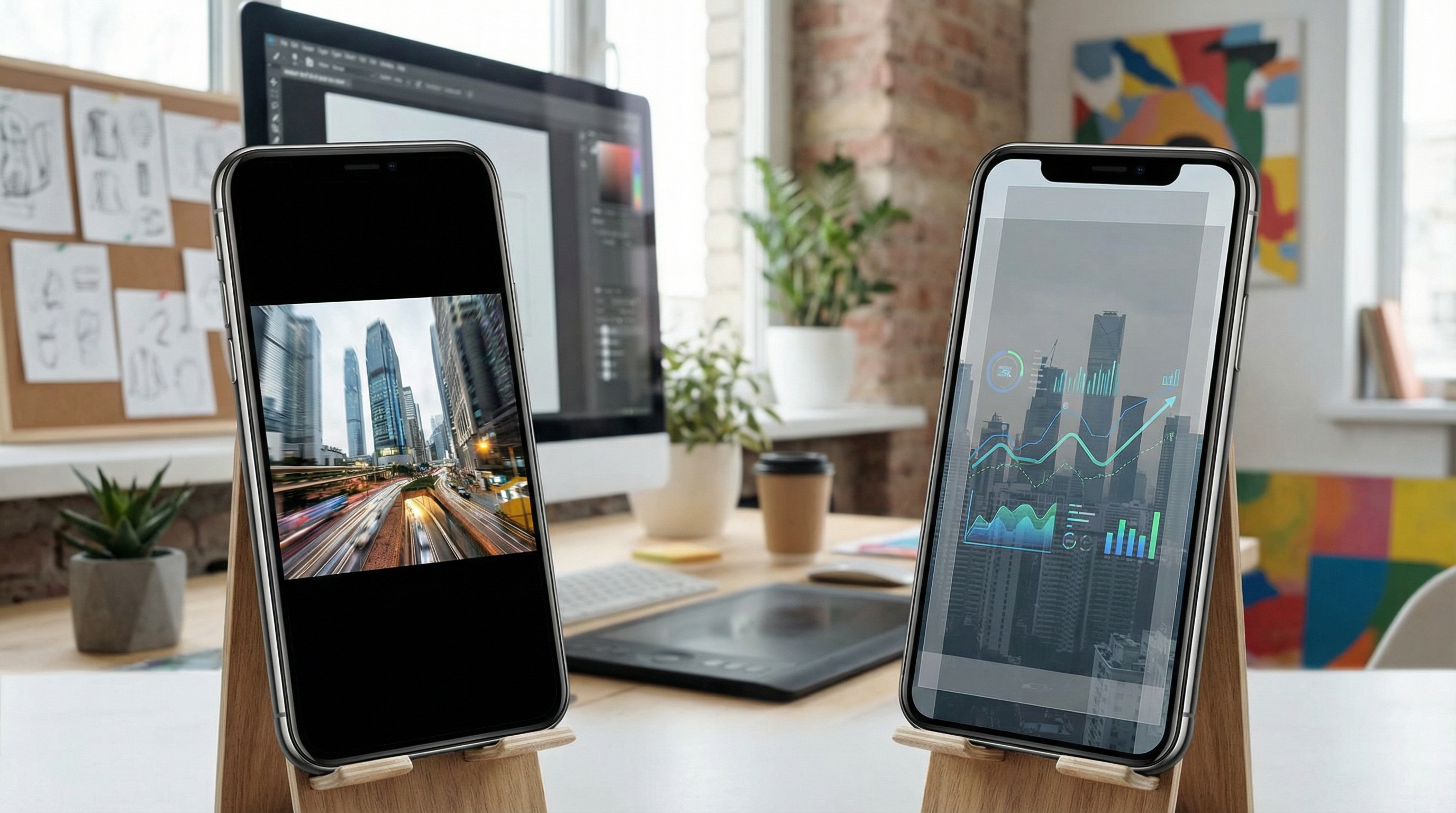
The future of motion graphics is data-driven. With RankHiker, we've developed a way for brands to convert live SEO and blog data into motion assets instantly.
Imagine taking a high-performing blog post and generating a 60-second vertical motion video with one click. It summarizes the key points for TikTok before the ink on your blog post is even dry.
Under-60-Second Asset Generation
This level of automation ensures your content is always relevant to current search trends. Hyper-personalized video variants can be generated based on specific user data. This isn't just about making things move; it's about making things move that convert.
Frequently Asked Questions
How do I use AI to automate what is motion graphics templates in 2026?
In 2026, tools like Cortex AI and JustPod allow you to automate technical keyframing and rigging. By providing your core narrative and brand assets, the AI generates high-end motion videos that previously required weeks of manual labor.
What are the best safe zones for vertical video templates?
Safe zones are the areas free of UI overlays like "likes" or profile icons. Always keep your critical text and CTA elements within the central 60% of the screen to ensure they aren't blocked by platform buttons.
Why does kinetic typography impact conversion rates so heavily?
Since 88% of users watch social video with the sound off, kinetic typography acts as the primary voice. It ensures your value proposition is communicated visually, preventing users from scrolling past a video they can't understand.
What is the cost difference between 2D and 3D motion in 2026?
Thanks to AI automation, the cost gap has vanished. While 3D character animation used to be 10x more expensive, AI tools have reduced the overhead, making high-end 3D only marginally more costly than complex 2D vector templates.
How can small businesses use "Neo-Retro" trends to build authority?
By adopting the Neo-Retro aesthetic—combining 90s nostalgia with
Conclusion
Understanding what is motion graphics templates is no longer optional for those who want to dominate the digital landscape in 2026. By embracing AI-driven automation and a vertical-first mindset, you can turn passive scrollers into active leads.
The barrier to entry has crumbled. Your shoestring budget is now your most powerful competitive advantage—if you pair it with a strategic workflow.
Ready to scale your visual storytelling and stop the scroll? Visit habibove.com to see how we build the future of automated video and AI SEO tools. Let's turn your brand into a visual powerhouse.